Bear Down Parcel integrated with Magento to offer shipment auditing services to the 260,000 users on the Magento eCommerce CMS System through an easy to install extension. This extension is available on MagentoCommerce.com, within Magento Connect for all versions of the Magento Community Edition. The sections below detail the integration and how to install the extension on your Magneto Instance.
Integration overview
Magento provided Bear Down Parcel with an integration framework that allows users to sign up for Bear Down Parcel faster. With a valid Magento Connect account and store, you won’t need to validate your email address from within the Bear Down Parcel signup funnel.
Navigate to the app listing within Magento Connect
Extension keys are created and managed by Magento, and are subject to change. Following the steps below ensures the extension key provided is valid.
Option 1: Directly open the extension url
Note: this easiest installation method.

Option 2: Find the extension on Magneto Connect Manager
Note: this easiest installation method.
- 1. Navigate Magneto Connect Manager. Located inside Magento Commerce.
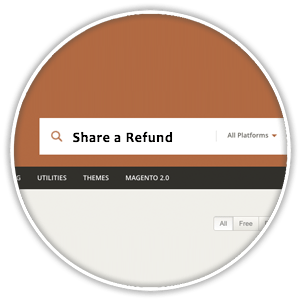
- 2. Search for ‘Bear Down Parcel’.
- 3. Click on the app tile.


Obtain the extension key
An extension key is required for the Bear Down Parcel Extension to be installed on any community version Magento instance.
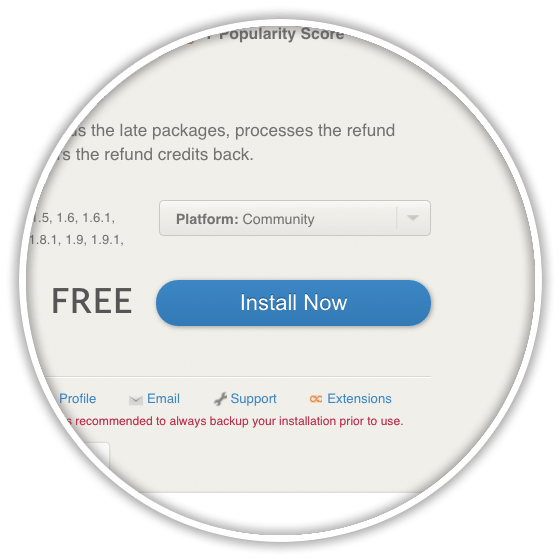
- 1. Click on the ‘Install Now’ button.
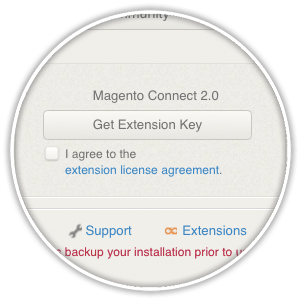
- 2. Click on the ‘Get Extension Key’ button.
- 3. Agree to the terms of service for the extension.
- 4. Click ‘Select Key’ to copy the Extension Key to your clipboard.
Note: this key will be used in the steps below.

Install the extension
Option 1: Install the extension using the admin panel
Installing extensions into your Magento instance using the admin panel installation method requires the default security and configuration settings. If you are experiencing issues with installing the the extension using the steps below, then please skip down to the section below, Install from the command line.
- 1. Login to the admin panel of your magento store.
- 2. Navigate to System > Magento Connect > Magento Connect Manager.
- 3. Paste the key into the Magento Connect Manager.
- 4. Click the Install button.


Option 2: Install the extension from the command line
The code below can be used to install the Bear Down Parcel extension directly from an ssh shell.
Configure the extension
Proceed through the registration steps for Bear Down Parcel by providing the login credentials for your FedEx or UPS accounts.
- Note: if you have multiple accounts, simply provide one for now. The option to add more accounts will be presented to registered users.

Installation Issues
Some users may run into common issues related to installing the Bear Down Parcel app.
Email address already in use at Bear Down Parcel.
This error means the email address associated with your Magento account has previously registered for a Bear Down Parcel account. Bear Down Parcel customer service can assist you with this point. Please contact us for assistance with this issue.
No FedEx or UPS login credentials.
You may not have the login information when you sign up for an account. That’s okay, simply proceed through the sign-up process, by adding what you think your credentials are, as a best guess. This information can always be updated within your account later.
No credit card.
Placing a credit card on file with ensures a fully active account at Bear Down Parcel. While it’s not necessary to add a credit card when first creating your account, doing so will ensure that there is no lapse in auditing your shipping accounts.
How your Magento information is used
No order, customer or product information from inside of your Magento store is used or stored on Bear Down Parcel. As such, you information is protected within Magneto under their privacy and security policies.
Shipment auditing explanation
- Bear Down Parcel partnered with Magento to provide a value-add service of
- shipment auditing
- to store owners. Any company shipping packages with
- FedEx
- and
- UPS
- would benefit from adding this app to their Magneto store.
How to uninstall the Magneto Extension
The Bear Down Parcel Magento extension can be uninstalled through the Admin Panel.
- 1. Login to the admin panel of your magento store.
- 2. Navigate to System > Magento Connect > Magento Connect Manager.
- 3. Paste the key into the Magento Connect Manager.
- 4. Click the Uninstall button.
The Bear Down Parcel Magento extension can be uninstalled through an ssh shell, using the command detailed below.
Note. Uninstalling the Magneto application does stop shipment auditing services. To stop the auditing services, please terminate the contract within the Bear Down Parcel application.
Billing Questions
- The Bear Down Parcel Application is free to add for Magento Customers. That said, the same
- 50-50 split on any refunds
- that are delivered from our hard work that applies to customers that signed up directly with Bear Down Parcel still applies to customers that signed up through the Magento extension.