Bear Down Parcel integrates with QuickBooks Online to offer shipment auditing services to the 4 million users on the QuickBooks Online platform through an easy to install app. This app is available on Intuit.com, within the app marketplace. Sections below detail the integration and how to install the application on your QuickBooks company.
Integration overview
Intuit provided Bear Down Parcel with an integration framework that allows users to sign up for Bear Down Parcel faster. With a valid QuickBooks company, you won’t need to validate your email address from within the Bear Down Parcel signup funnel.
How to install the QuickBooks App
There are two ways to find and install the Bear Down Parcel application for QuickBooks Users. The sections below are intended to guide users on installing the application through each of the different options available.
How to install the QuickBooks App directly
Note: this easiest installation method.
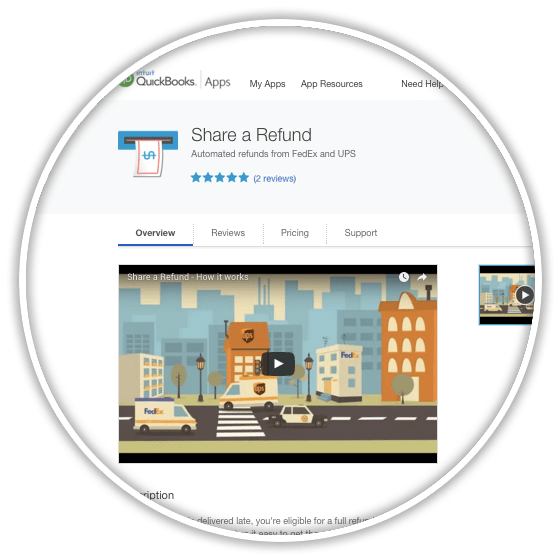
- 1. Go to this page.
- https://appcenter.intuit.com/v2/qboappdetails/share-a-refund
- 2. Click on the Get App Now Button.
- 3. Click Authorize.
- 4. Create an account. Go through signup process from Bear Down Parcel.

- Note: The integration does not use any of the financial information within your QuickBooks company to perform shipment auditing.
- Reason for authorization: Application privileges are required to install apps on your QuickBooks online company.
How to install the QuickBooks App from inside your company
- Login as company administrator or full access user. Privileges are required to install apps for a company.
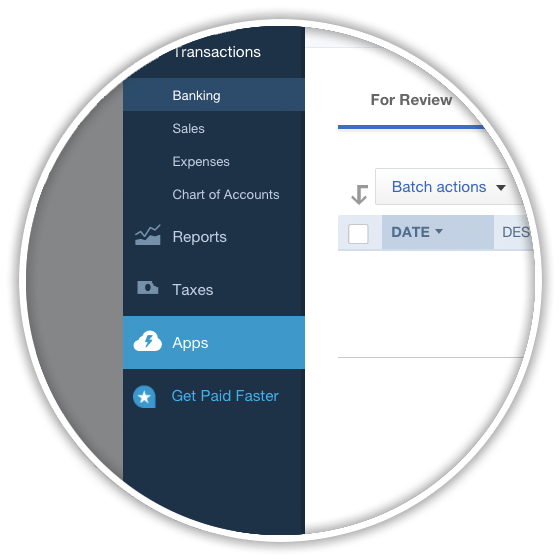
- Navigation to app marketplace. Located in the left sidebar. This is the last menu item.
- Search for “Bear Down Parcel”. Located on the top left corner of the page.
- Click on Learn More.
- Click Get App Now.
- Click Authorize.
- Create an account. Go through signup process from Bear Down Parcel.
Installation Issues
Some QuickBooks Online users may run into common issues related to installing the Bear Down Parcel app.
Account exists with email but not associated with QuickBooks.
This error means the email address associated with your QuickBooks Online user account has previously registered for a Bear Down Parcel account. To access your existing account, simply sign in with your email address. If you are unsure of your password, then simply request a password reset account.
No FedEx or UPS login credentials available at the time of account creation.
You may not have the login information when you sign up for an account. No problem, simply proceed through the sign-up process, by adding what you think your credentials are, as a best guess. This information can always be updated within your account later.
No credit card available at the time of account creation.
Placing a credit card on file with ensures a fully active account at Bear Down Parcel. While it’s not necessary to add a credit card when first creating your account, doing so will ensure that there is no lapse in auditing your shipping accounts.
How your QuickBooks company information is used
No information from your company in QuickBooks account is used at Bear Down Parcel. This app only uses the login framework provided by QuickBooks to manage your Bear Down Parcel account. In other words, your company information within QuickBooks, including transactions, customers, vendors, is not used in any way.
Shipment auditing explanation
- Bear Down Parcel partnered with Intuit to provide a value-add service of
- shipment auditing
- to QuickBooks users. Any company shipping packages with
- FedEx
- and
- UPS
- would benefit from adding this app to their QuickBooks Company.
Signing into to Bear Down Parcel
On the login page within the Bear Down Parcel application, QuickBooks Online users can click on the Sign in with Intuit button located on the top right of the login screen. This will allow for quick and easy login using the same username and password used to login to QuickBooks Online.

How to uninstall the QuickBooks App
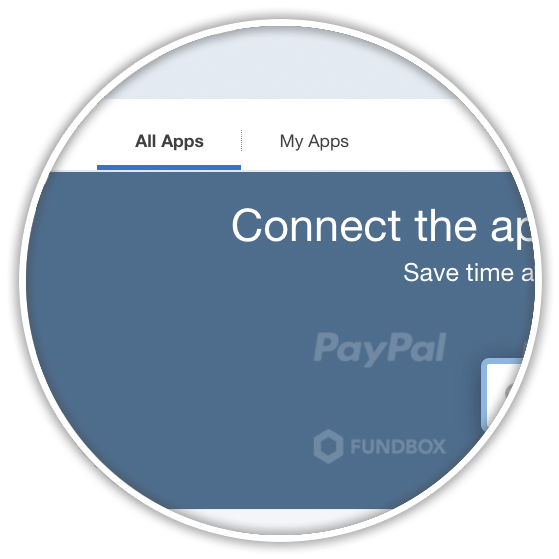
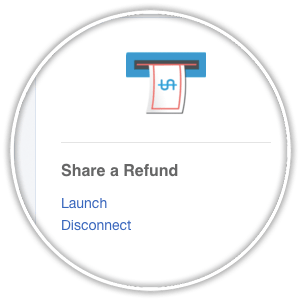
- Navigate to Apps Menu within QuickBooks Online.
- Click on My Apps.
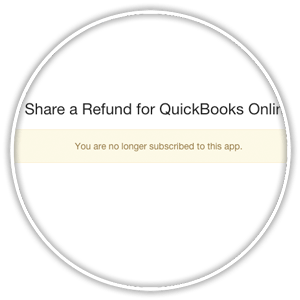
- Click Disconnect.
- Confirm Disconnect. You are no longer subscribed to this application.
Billing Questions
- The Bear Down Parcel Application is free to add for QuickBooks Online Customers. That said, the same
- 50-50 split on any refunds
- that are delivered from our hard work that applies to customers that signed up directly with Bear Down Parcel still applies to customers that signed up through the QuickBooks Online App.
Note: QuickBooks Online invoices and payment are independent of Bear Down Parcel and the status of either account is irrespective of the other. Both QuickBooks Online and Bear Down Parcel allow users to store a credit card on file to make paying invoices easy.